

Accessible PDFs: Examples
Here are some examples of what we mean, in order of accessibility from worst to best.
Exhibit A: Unusable
This is an improperly rotated, poor-quality scan of a scribbled-on book. This will be unusable.
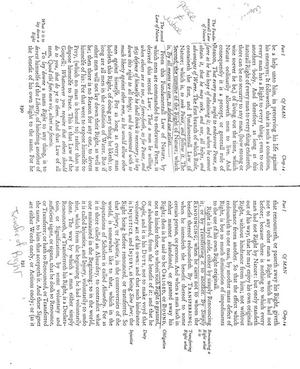
If your PDF looks like this: please rotate it and/or find a cleaner version.
Exhibit B: Pretty Bad
This same article has been rotated. The problems are that it has margin notes and has been marked up. See video below for how difficult it is for a text-to-speech program to read the text.
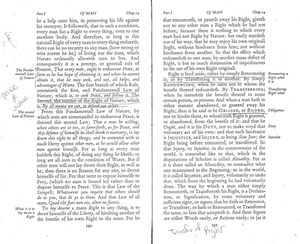
If your PDF looks like this, please find a cleaner version.
Exhibit C: Better, and Perfectly Usable
A better-quality scan of a clean copy of a book that has each individual book page as its own page in the document. This is much easier to work with and should have a good chance at decent text recognition.
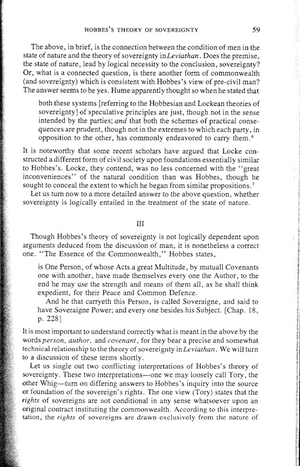
If your PDF looks like this: you are in good shape.
Exhibit D: Ideal
The holy grail, which is a born-digital version of the reading. This will have near-flawless text recognition and will be easily navigable by the student.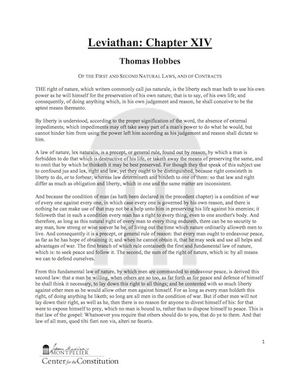
If your PDF looks like this, it's perfect.
See how Kurzweil, a text-to-speech program, interacts with these PDFs!